By Sandip Sahani — Founder, Sanrovax | Performance Marketing & Growth Systems
If you have ever opened your Google Ads dashboard to find a red banner saying “your google ads account suspended” — you already know the feeling. Stomach drops. Campaigns stop. Leads disappear. Revenue freezes overnight.
This guide will tell you exactly why it happens and how to fix it — fast.
Introduction — Why a Google Ads Account Suspended Notification Feels Like a Disaster
Let me be direct with you.
A google ads account suspended notification is one of the most stressful experiences any business owner can face. One day your campaigns are generating leads, sales are flowing in, and your business is moving forward. The next day, you log in and everything is frozen. No ads. No traffic. No leads. Just a red banner and a vague policy reference that does not really explain what went wrong.
Here is what makes this even more painful in 2026. Google has dramatically increased its enforcement using AI-driven detection systems. According to Google’s own announcement in November 2025, the platform improved suspension accuracy by 80% and reduced resolution time by 70% — with 99% of suspensions now resolved within a 24-hour window. That sounds great. But it also means Google’s automated systems are catching more accounts faster than ever, and many legitimate businesses are getting caught in the net.
The numbers tell the story. Google has over 1.2 million active advertisers and processes 16.4 billion searches daily. With that much volume, Google has zero tolerance for anything that even looks like a policy violation. Their priority is user experience and platform safety — your business comes second.
What most business owners do not realize is that a google ads account suspended status often has nothing to do with your ad copy. It is usually triggered by your website, your landing page, your billing setup, or even something as simple as logging in from a new device. And if you handle the appeal incorrectly, you can turn a temporary suspension into a permanent ban.
This guide is going to walk you through exactly why google ads accounts get suspended in 2026, how to fix the issue properly, and most importantly — how to set up your account from day one so you never face this nightmare in the first place.
How a Google Ads Account Suspended Status Works — Setup, System & Recovery
Understanding why a google ads account suspended status happens starts with understanding how Google’s enforcement system actually works in 2026.
How Google Detects Violations
Google uses a combination of automated AI systems and manual reviews to detect violations. The system looks at multiple signals — your ad copy, your landing page, your website’s overall content, your billing information, your customer reviews, regulatory warnings, user complaints, and even your business model. If any of these raise red flags, your account can be suspended.
Some violations trigger an immediate suspension with no warning. These are called egregious violations — things Google considers so serious that warning you first would put users at risk. Other violations trigger a 7-day warning period during which you can fix the issue before suspension kicks in.
The Top Reasons Google Ads Accounts Get Suspended in 2026
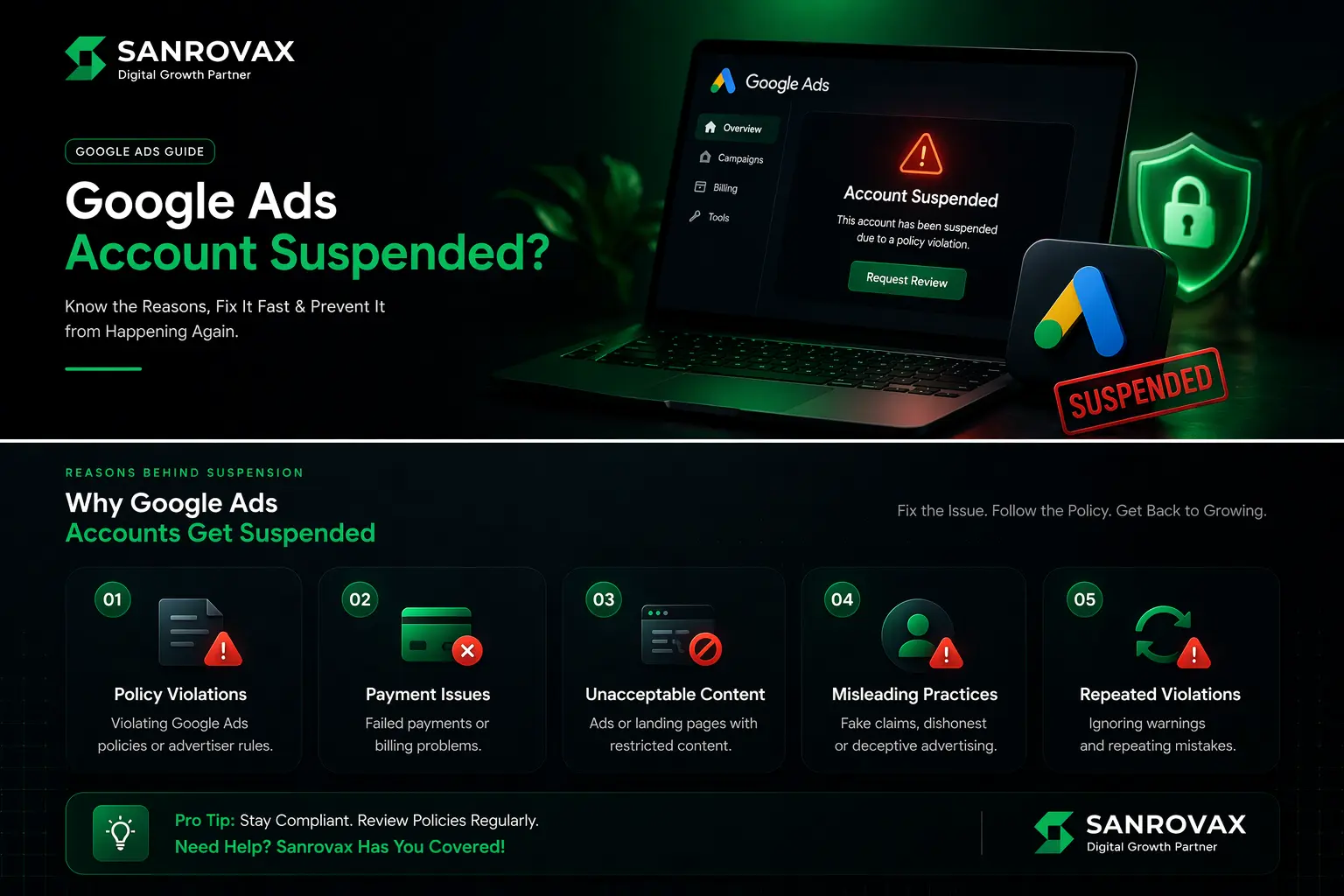
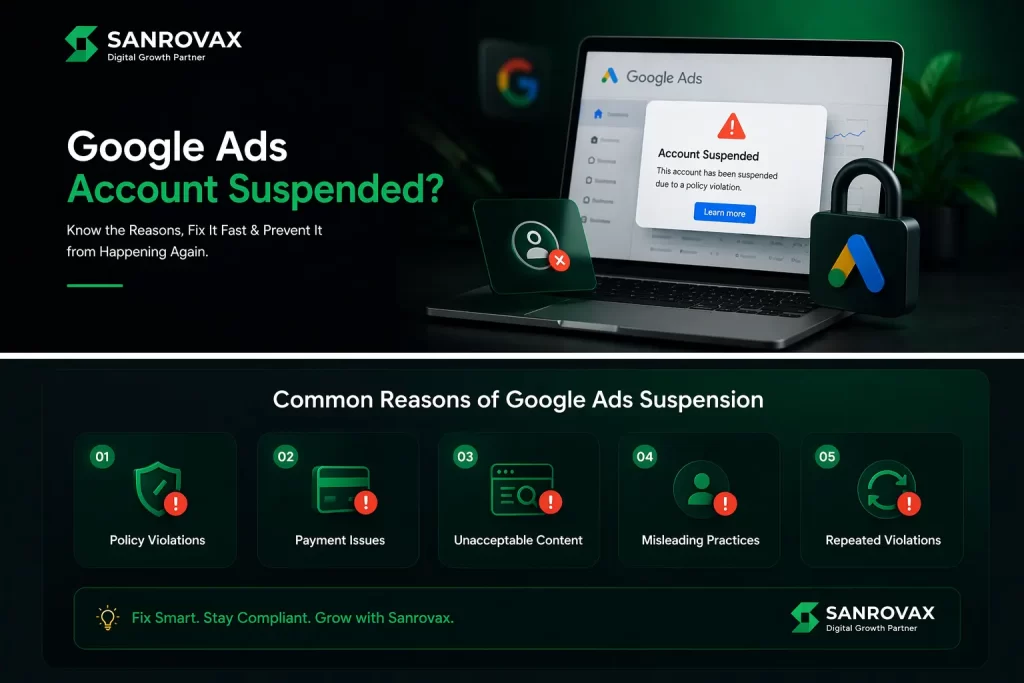
1. Suspicious Payment Activity — Failed payments, declined cards, chargebacks, or unusual billing patterns. This is the #1 cause of account suspensions globally.
2. Circumventing Systems — Trying to manipulate Google’s detection systems through cloaking (showing one version of your site to Google and another to users), redirects, or creating multiple accounts after suspension.
3. Unacceptable Business Practices — Misleading users, hidden costs, fake testimonials, or business models Google deems untrustworthy.
4. Misrepresentation — False claims, misleading information about your product or service, or impersonating another brand.
5. Compromised Site Security / Malware — If your website gets hacked or contains malware, Google will suspend your account to protect users — even if you did not knowingly put it there.
6. Counterfeit Goods — Selling or appearing to sell products that mimic well-known brands.
7. Promoting Prohibited Content — Healthcare, gambling, financial services, and weapons have strict restrictions. Many businesses unknowingly violate these.
8. Unauthorized Account Activity — Logging in from suspicious locations, sharing access with too many people, or detected hacking attempts.
9. Failed Identity Verification — Google now requires advertiser verification. Failing to verify your identity within the deadline triggers suspension.
10. Repeated Policy Violations — Three strikes and you are out. Google’s strike system permanently suspends accounts after repeated minor violations.
What Happens When Your Account Gets Suspended
Once your google ads account suspended status is triggered:
→ All ads stop running immediately → You cannot create new campaigns, ad groups, or ads → You can still access historical data and reports → Linked Merchant Center and manager accounts may also be suspended → You will receive an email notification with the suspension reason
How to Fix a Suspended Google Ads Account
Step 1: Identify the exact reason. Log in to your Google Ads account and check the red banner at the top. Click the notification icon for full details.
Step 2: Fix the underlying issue. Do not appeal until the actual problem is resolved. If it is malware, clean your website. If it is billing, verify your payment method. If it is policy, fix your ad copy and landing pages.
Step 3: Submit an appeal. Use the “Contact Us” link in the suspension notification. Be transparent, honest, and detailed about what you fixed.
Step 4: Wait for review. Most appeals are now reviewed within 24 hours thanks to Google’s improved AI system.
Step 5: Do not create a new account. This is the worst mistake. Google tracks devices, IP addresses, payment methods, and even browser fingerprints. Creating a second account triggers a permanent ban.
What to Keep in Mind When Setting Up Your Google Ads Account
1. Use Accurate Business Information from Day One
Google verifies everything — business name, address, phone number, website, and ownership. Any mismatch between your Google Ads account, website, and registered business documents triggers suspicion. Use your real, registered business details consistently across every platform.
2. Verify Your Identity Immediately
In 2026, Google requires advertiser verification for almost every account. Complete identity verification within the first 30 days using your government-issued ID and business documents. Skipping this is a guaranteed path to a google ads account suspended notification.
3. Add a Stable Payment Method
Use a business credit card or verified business bank account. Avoid prepaid cards, virtual cards, or accounts with low credit limits. Always add a backup payment method to prevent failed billing suspensions.
4. Build a Trustworthy Website
Your website is reviewed alongside your ads. It must have: a working contact page with real address and phone, a clear privacy policy, terms and conditions, an “About Us” page, working SSL certificate (HTTPS), and no broken links. Missing any of these dramatically increases suspension risk.
5. Install SSL and Scan for Malware Regularly
Run weekly malware scans using tools like Sucuri or Wordfence. A hacked website is one of the top reasons for the google ads account suspended problem — and most owners do not even know their site has been compromised.
6. Match Ad Copy to Landing Page Content
What your ad promises must match exactly what the landing page delivers. Mismatched messaging is flagged as misrepresentation by Google’s AI systems.
7. Enable Two-Factor Authentication
Always enable 2FA on your Google account. Suspicious login activity from unauthorized users triggers immediate suspension as a security measure.
8. Keep Detailed Documentation
Save copies of your business registration, GST/PAN documents, identity proof, and proof of ownership for your website. You will need these during verification or appeals.
What NOT to Do During Google Ads Account Setup
1. Do Not Create Multiple Accounts
Running multiple ad accounts to “test” or “backup” triggers Google’s circumventing systems policy. One business = one Google Ads account. Period.
2. Do Not Use Fake Business Information
Even small discrepancies between your Google Ads details and your actual business documents are caught by Google’s verification AI. This is an instant google ads account suspended trigger.
3. Do Not Skip Identity Verification
Ignoring the verification email or delaying submission past the deadline guarantees suspension. Verify within the first week of account creation.
4. Do Not Use Personal Email for Business Accounts
Always use a business email tied to your verified domain (example: sandip@sanrovax.com), never a generic Gmail address. Google trusts domain-verified emails significantly more.
5. Do Not Connect Suspicious Websites
Never link your Google Ads account to a website with malware, broken pages, or sketchy content. Google reviews your destination URL — and if your site looks risky, your account will be suspended.
6. Do Not Share Account Access Carelessly
Giving access to freelancers, agencies, or third parties from suspicious locations (especially across countries) raises red flags. Use Google Ads Manager Account (MCC) for proper agency access.
7. Do Not Try to “Fix” Suspension by Creating a New Account
This is the #1 mistake business owners make. Google tracks every device, browser, IP, and payment method. Creating a second account after suspension results in a permanent ban for your entire business.
8. Do Not Submit Vague Appeals
Generic appeals like “please review my account” get auto-rejected. Always submit a detailed appeal explaining exactly what was wrong and exactly what you fixed.
How Sanrovax Helps Businesses Generate Revenue with Google Ads
At Sanrovax, we treat Google Ads account management as a risk-engineered revenue system — not a click-buying activity.
Every engagement starts with a complete technical and compliance audit of your business — your website, payment setup, business documentation, and ad account history. This pre-launch audit alone prevents 90% of suspension risks before they ever happen. We make sure your foundation is bulletproof before a single ad goes live.
From there, we build campaigns architected around Google’s policy framework — high-intent keywords, conversion-optimized landing pages, accurate ad copy that matches your offer, proper Google Tag installation, and Smart Bidding strategies that compound over time. Our weekly optimization process catches potential policy issues before they become google ads account suspended disasters.
For businesses already facing suspension, we run a structured recovery process: identify the exact violation, fix the underlying issue (whether it is malware, billing, or policy), prepare a detailed and transparent appeal, and communicate professionally with Google support until your account is reinstated.
Whether you are launching your first Google Ads campaign or recovering a high-spending account that just got suspended, we build systems that deliver measurable revenue — and stay compliant for the long term.
FAQ — Google Ads Account Suspended
Q1: How long does it take to fix a suspended Google Ads account?
With Google’s 2026 AI improvements, 99% of suspensions are now resolved within 24 hours of submitting a proper appeal. Complex cases like Circumventing Systems or Unacceptable Business Practices may take 5–14 days. Vague or incomplete appeals can extend the timeline indefinitely.
Q2: Can I create a new Google Ads account if my old one is suspended?
Absolutely not. Creating a new account after a google ads account suspended notification triggers Google’s circumventing systems policy and results in a permanent ban for your entire business across all accounts and domains. Always fix the original account through the appeal process.
Q3: Will my organic Google traffic be affected by an ad account suspension?
No, your google ads account suspended status does not affect organic SEO rankings directly. However, if the suspension is due to malware or policy violations on your website, you may also receive a manual penalty in Google Search — affecting both paid and organic traffic.
Q4: What is the most common reason Google Ads accounts get suspended in 2026?
Suspicious Payment Activity is the #1 cause globally, followed by Circumventing Systems and Unacceptable Business Practices. For Indian businesses, payment-related suspensions and identity verification failures are the most frequent triggers.
Q5: How many strikes before Google permanently suspends my account?
Google operates a three-strike system. First strike: warning. Second strike: temporary 3-day account hold. Third strike: temporary 7-day account hold. Continued violations after three strikes can lead to permanent suspension.
Q6: Should I hire an expert if my Google Ads account is suspended?
For minor billing or verification issues, you can usually fix it yourself. For complex suspensions like Circumventing Systems, Misrepresentation, or Egregious Policy Violations, hiring a Google Ads expert significantly improves your chances of reinstatement. The cost of expert help is almost always lower than the revenue lost from a permanent suspension.
Conclusion — Stay Compliant, Stay Profitable
A google ads account suspended notification is not the end of your business. But how you respond determines whether it is a 24-hour disruption or a permanent disaster.
The businesses that recover fast are the ones that take the suspension seriously, identify the real underlying issue, fix it completely before appealing, and submit transparent, detailed appeals. The businesses that lose forever are the ones that panic, create new accounts, or submit vague appeals hoping Google will just “let them back in.”
Better than recovery is prevention. Build your Google Ads account on a clean foundation — verified identity, accurate business information, secure website, stable payment method, and ad copy that matches your landing pages. Do this from day one, and the google ads account suspended nightmare never happens.
That is exactly what we do at Sanrovax. Every client engagement starts with one simple question: what does a real result actually look like for your business — and how do we protect it long-term? Not just clicks. Not just impressions. Predictable, sustainable revenue from Google Ads accounts that stay compliant year after year.
If your account is currently suspended — or you want to set it up right from day one — let us talk.
Book Your Free 30-Minute Strategy Call → sanrovax.com
No pressure. No pitch. Just a clear, honest conversation about your business.
Sandip Sahani — Founder, Sanrovax Performance Marketing & Growth Systems | Halisahar, West Bengal, India sandip@sanrovax.com
3 thoughts on “Why Google Ads Account Gets Suspended — And How to Fix It (2026)”