By Sandip Sahani — Founder, Sanrovax | Performance Marketing & Growth Systems
If you have ever logged into Business Manager to find your meta ads account suspended with no warning, no clear reason, and no human to talk to — welcome to the worst nightmare in digital advertising. This guide will tell you exactly why it happens and how to fix it before it kills your business.
Introduction — Why a Meta Ads Account Suspended Notification Is Every Marketer’s Nightmare
Let me be brutally honest with you.
A meta ads account suspended notification is significantly worse than a Google Ads suspension. Why? Because Meta’s appeal process is slower, less transparent, and largely controlled by AI bots — not human reviewers. Many advertisers wait 2 weeks to a month for a single response. Some never get a response at all.
Here is the reality of advertising on Meta in 2026. Meta’s Family of Apps has 3.58 billion daily active users and over 10 million active advertisers worldwide. Meta generated $200.97 billion in ad revenue in 2025 — 22% growth year over year. With that much volume, Meta uses aggressive AI-driven enforcement to protect its platform — and many legitimate businesses get caught in the net every single day.
What makes this even more painful in 2026 is Meta’s new Trust Tier system. Personal accounts (Tier 3) face the highest scrutiny and have an appeal success rate of less than 15%. Standard Business Managers (Tier 2) get moderate trust. Verified agency accounts (Tier 1) get direct support and “Halo Effect” protection. Most small business owners are operating at Tier 3 without even knowing it — which is exactly why their accounts get disabled overnight.
The meta ads account suspended problem is rarely about your ad copy. It is usually triggered by your business verification status, your payment method, suspicious login activity, your landing page content, or even your Business Manager’s age. And once your account is restricted, every wrong move you make — like creating a new account or appealing too quickly — can turn a temporary suspension into a permanent ban for your entire business ecosystem.
This guide will walk you through exactly why meta ads account suspended notifications happen in 2026, how to recover the right way, and most importantly — how to set up your Meta ads infrastructure so you never face this disaster.
How a Meta Ads Account Suspended Status Works — Setup, System & Recovery
Understanding the meta ads account suspended problem starts with understanding how Meta’s enforcement system actually works in 2026.
How Meta Detects Violations
Meta uses a combination of automated AI systems, computer vision, behavioral pattern recognition, and digital fingerprinting to monitor every account on its platform. The system analyzes your ads, your landing pages, your payment behavior, your login patterns, your IP addresses, and even your browser fingerprint. If anything looks suspicious — your account gets restricted before a human ever reviews it.
Meta’s enforcement happens at three levels: Personal Account, Business Manager, and Individual Ad Account. A restriction at the Business Manager level affects every ad account and every user inside it. A personal account restriction can lock you out of advertising across all your business assets simultaneously.
The Top Reasons Meta Ads Accounts Get Suspended in 2026
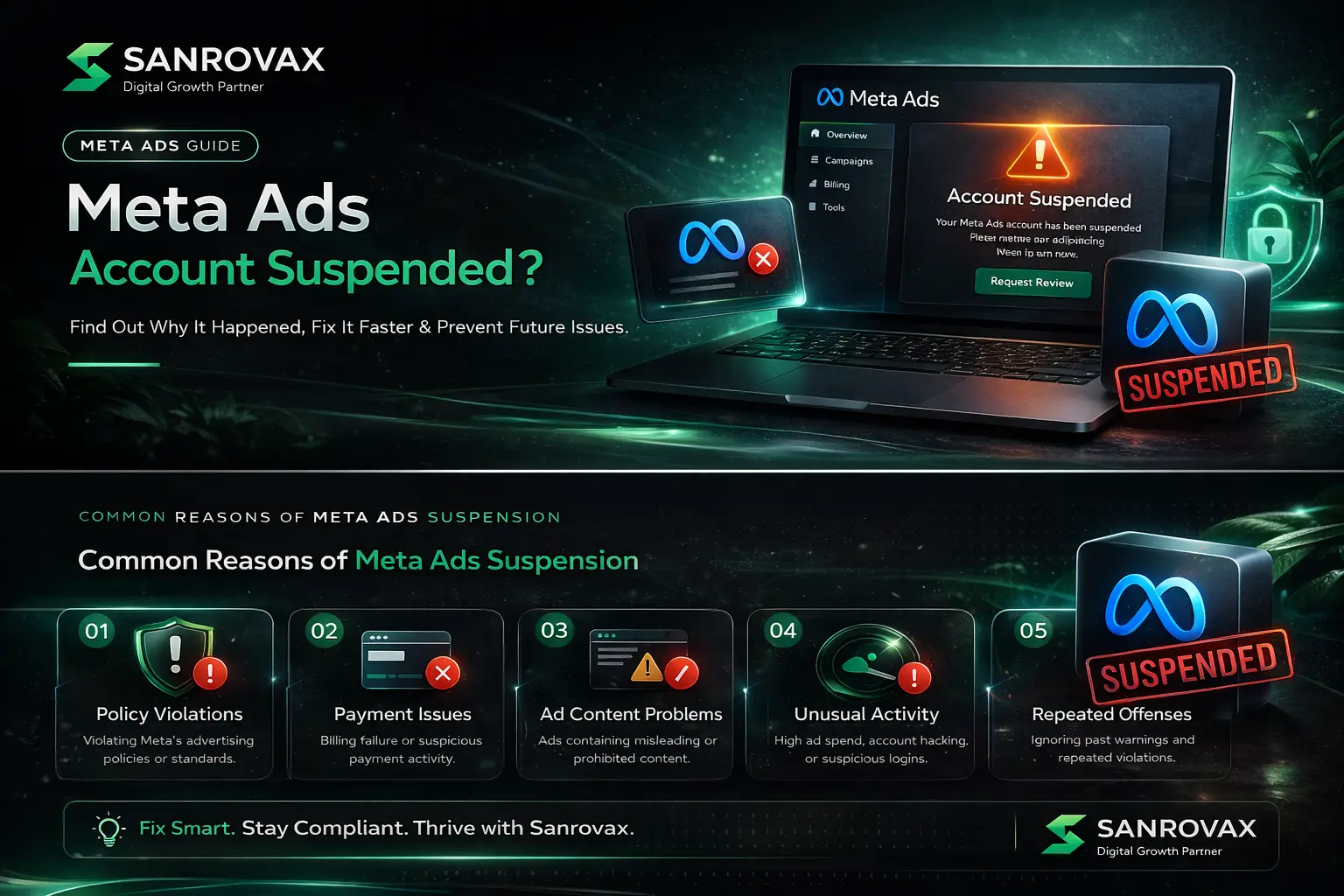
1. Policy Violations — Misleading claims, exaggerated promises, prohibited content (gambling, crypto, weight loss, before/after images), or low-quality landing pages. The #1 cause of suspensions globally.
2. Suspicious Payment Activity — Failed payments, declined cards, chargebacks, or using a payment method previously linked to a disabled account. Meta tracks payment history aggressively.
3. Unusual Login Behavior — Logging in from multiple countries, using VPNs or proxies, or accessing from unfamiliar devices triggers automatic security suspensions.
4. Failed Business Verification — Meta requires Business Manager verification for almost every serious advertiser in 2026. Skipping or failing verification = guaranteed suspension.
5. Misrepresentation — Mismatched messaging between your ad and landing page, fake testimonials, or impersonating another brand.
6. Compromised Account Security — If Meta detects unauthorized access or hacking attempts, it suspends your account to protect your data.
7. Repeated Ad Disapprovals — Meta’s bots flag every rejected ad. Multiple disapprovals trigger account-level suspension without warning.
8. Environmental Linkage — If your IP, browser cookies, or device has ever been associated with a banned account, Meta’s “Association Crawler” flags any new assets you create.
9. High-Risk Niches Without Pre-Approval — Crypto, gambling, dropshipping, and supplements now require pre-emptive whitelisting at the Business Manager level.
10. Personal Account Used for Business Advertising — Operating ads through a personal Facebook profile (instead of a verified Business Manager) puts you at the highest risk tier with the lowest recovery chance.
What Happens When Your Account Gets Suspended
Once your meta ads account suspended status is triggered:
→ All active campaigns pause immediately → Budgets stop spending; leads stop coming in → You lose access to create new campaigns or edit existing ones → Linked Instagram accounts, Pages, and pixels may also be restricted → You receive a vague notification with limited information about the actual cause
How to Fix a Suspended Meta Ads Account
Step 1: Check Account Quality. Go to Business Support Home → Account Quality. This dashboard shows the exact reason for the restriction and lists specific resolution steps.
Step 2: Fix the underlying issue first. Do not appeal until the actual problem is resolved. If it is policy → fix your ad and landing page. If it is payment → update billing. If it is verification → complete business verification immediately.
Step 3: Use a clean environment. Access your account from the same device, browser, and IP you normally use. Never use VPNs or proxies. Meta flags environment changes as suspicious.
Step 4: Submit a detailed, professional appeal. Spend at least 5–10 minutes on the Account Quality page before submitting. Meta’s AI looks for human-like behavior — fast generic appeals get flagged as bot activity.
Step 5: Wait patiently — 2 to 4 weeks is normal. Do not spam multiple appeals. This resets the queue and reduces your chances of recovery.
Step 6: Never create a new account. Meta’s Association Crawler tracks your IP, device fingerprint, payment methods, and even browser cookies. A second account = permanent ban for your entire business ecosystem.
What to Keep in Mind When Setting Up Your Meta Ads Account
1. Always Use Business Manager — Never Personal Profiles
Running ads through a personal Facebook profile puts you at Tier 3 (highest scrutiny, lowest trust). Always create a Business Manager account at business.facebook.com from day one. This single step dramatically reduces your meta ads account suspended risk.
2. Complete Business Verification Immediately
Submit your business documents (Certificate of Incorporation, GST/PAN, ownership proof) for Meta’s business verification within the first 30 days. Verified Business Managers face 80% fewer suspensions than unverified ones.
3. Use a Stable Business Payment Method
Use a business credit card or verified business bank account. Avoid prepaid cards, virtual cards, or payment methods previously used on banned accounts. Meta tracks payment fingerprints across the entire platform.
4. Enable Two-Factor Authentication on Day One
Meta automatically suspends accounts when it detects suspicious login activity. 2FA prevents unauthorized access AND signals to Meta that you are a serious, security-conscious advertiser.
5. Build a Trustworthy, Compliant Website
Your landing page is reviewed alongside your ads. It must have: SSL (HTTPS), a working privacy policy, terms and conditions, real contact information, an “About Us” page, and content that matches your ad’s promise. Missing any of these dramatically increases your meta ads account suspended risk.
6. Match Ad Creative to Landing Page Content
Meta’s computer vision compares your ad creative, headline, and description against your landing page. Mismatched messaging is flagged as misrepresentation by AI within minutes.
7. Avoid VPNs, Proxies, and Multiple Devices
Always log in from the same trusted device, browser, and IP. Switching networks (especially across countries) triggers Meta’s security AI and can cause instant restrictions.
8. Warm Up New Ad Accounts Slowly
A brand-new ad account suddenly spending ₹50,000/day on day one looks suspicious to Meta. Start small (₹500–₹1,000/day), build a 30-day spend history, then scale gradually. Sudden budget jumps are a top trigger.
What NOT to Do During Meta Ads Account Setup
1. Do Not Run Ads from a Personal Profile
This is the #1 mistake new advertisers make. Personal accounts have the highest restriction risk and lowest appeal success rate. Always use Business Manager.
2. Do Not Use a VPN or Proxy
VPNs make Meta’s security AI think your account has been compromised. Even one login through a VPN can trigger an instant meta ads account suspended notification.
3. Do Not Use a Payment Method from a Banned Account
Meta tracks every credit card and bank account across its entire platform. Using a card previously linked to a suspended account triggers immediate suspension on your new account.
4. Do Not Promote Restricted Content Without Pre-Approval
Crypto, gambling, supplements, dropshipping, and adult content now require pre-emptive whitelisting in 2026. Running these ads without approval = guaranteed ban.
5. Do Not Use Sensational or Misleading Creative
Before/after photos, “Lose 10 kg in 7 days” claims, fake urgency timers, and clickbait language are auto-flagged by Meta’s computer vision. Even small violations stack up to account-level suspensions.
6. Do Not Share Account Access Carelessly
Adding too many users to your Business Manager — especially from different countries — looks suspicious. Use proper roles and remove inactive users regularly.
7. Do Not Create a New Account After Suspension
This is the worst mistake possible. Meta’s Association Crawler will detect the new account within hours and ban your entire business ecosystem permanently.
8. Do Not Submit Generic Appeals
“Please review my account” appeals get auto-rejected. Reference specific Meta Advertising Standards, explain exactly what was wrong, and detail what you fixed.
9. Do Not Spam Multiple Appeals
Submitting 5 appeals in 24 hours marks you as suspicious. Submit one detailed appeal and wait. Multiple appeals reset your queue position.
How Sanrovax Helps Businesses Generate Revenue with Meta Ads
At Sanrovax, we treat Meta Ads account management as a risk-engineered revenue system — not a campaign-launching activity.
Every engagement starts with a complete technical and compliance audit of your Meta infrastructure: Business Manager structure, business verification status, payment setup, pixel and Conversions API installation, page health, and ad creative compliance. This audit alone prevents 90% of meta ads account suspended risks before they ever happen. We make sure your foundation is bulletproof before a single ad goes live.
From there, we build campaigns architected around Meta’s policy framework and the new Trust Tier system — proper Business Manager hierarchy, verified payment infrastructure, compliant ad copy, vertical-first creatives, and landing pages that match your ads exactly. Our weekly compliance reviews catch potential policy issues before Meta’s AI ever flags them.
For businesses already facing restriction, we run a structured recovery process: diagnose the actual violation through Account Quality dashboard, fix the underlying issues, prepare a detailed and professional appeal that signals human-led recovery, and communicate with Meta until the account is reinstated.
Whether you are launching your first Meta ad or recovering a high-spending account that just got suspended, we build systems that deliver measurable revenue — and stay compliant for the long term.
FAQ — Meta Ads Account Suspended
Q1: How long does it take to fix a suspended Meta ads account?
Meta’s appeal process is significantly slower than Google’s. Most cases take 2 weeks to 1 month for resolution. Complex cases — especially Personal Account suspensions — can take 6+ weeks or never get resolved. Business Manager appeals are processed faster than personal account appeals.
Q2: Can I create a new Meta ads account if mine is suspended?
Absolutely not. Meta’s Association Crawler tracks your device, IP, browser fingerprint, and payment methods. Creating a new account after a meta ads account suspended notification triggers Meta’s Environmental Linkage policy and results in a permanent ban for your entire business ecosystem.
Q3: What is the most common reason Meta ads accounts get suspended in 2026?
Policy violations are the #1 cause, followed by suspicious payment activity and unusual login behavior. For Indian businesses, the most frequent triggers are unverified Business Managers, mismatched landing pages, and using personal accounts for business advertising.
Q4: Will my Facebook Page or Instagram account also get suspended?
Yes, often. When your meta ads account suspended status is triggered, Meta may also restrict linked assets — Pages, Instagram accounts, pixels, and Catalog. This is why Business Manager structure is critical from day one.
Q5: What is the appeal success rate for Meta ads account suspensions?
This depends on your Trust Tier. Personal Accounts (Tier 3) have less than 15% success rate. Standard Business Managers (Tier 2) have moderate success. Verified agency accounts (Tier 1) have the highest success rate due to direct support access. Always advertise from a verified Business Manager — never from a personal profile.
Q6: Should I hire an expert to recover my suspended Meta ads account?
For minor issues (payment, simple policy fixes), you can often fix it yourself. For complex suspensions (Misrepresentation, Circumventing Systems, Egregious Violations) or Business Manager-level restrictions, hiring an expert significantly improves your chances. The cost of expert help is almost always lower than the revenue lost from a permanent ban.
Conclusion — Stay Compliant, Stay Profitable
A meta ads account suspended notification is not the end of your business. But how you respond determines whether it is a 2-week disruption or a permanent disaster.
The businesses that recover successfully are the ones that stay calm, diagnose the actual violation through Account Quality, fix the underlying issues completely, and submit professional, detailed appeals from a clean environment. The businesses that lose forever are the ones that panic, create new accounts, use VPNs, or spam generic appeals hoping Meta will eventually let them back in.
Better than recovery is prevention. Build your Meta ads infrastructure on a bulletproof foundation — Business Manager from day one, complete business verification, stable payment methods, secure logins, compliant ads, and matching landing pages. Do this right from the start, and the meta ads account suspended nightmare never happens to you.
That is exactly what we do at Sanrovax. Every client engagement starts with one simple question: what does a real result actually look like for your business — and how do we protect it long-term? Not just clicks. Not just impressions. Predictable, sustainable revenue from Meta ad accounts that stay compliant year after year.
If your Meta account is currently suspended — or you want to set it up right from day one — let us talk.
Book Your Free 30-Minute Strategy Call → sanrovax.com
No pressure. No pitch. Just a clear, honest conversation about your business.
Sandip Sahani — Founder, Sanrovax Performance Marketing & Growth Systems | Halisahar, West Bengal, India sandip@sanrovax.com
1 thought on “Why Meta Ads Account Gets Suspended — And How to Fix It (2026)”