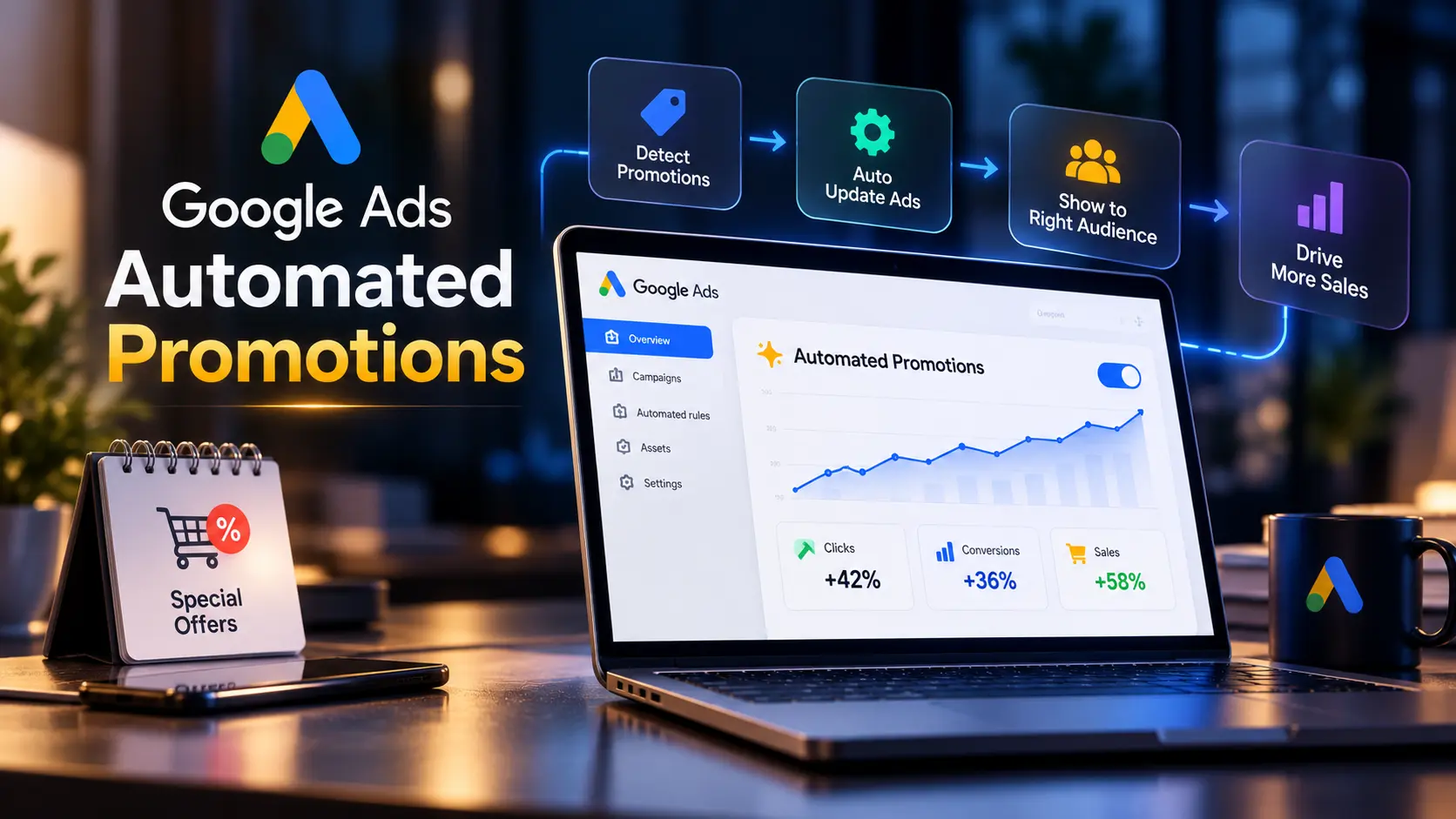
Google Ads Automated Promotions is a new setting which pulls coupons and deals from your website and adds them to your ads without any manual setup. The rollout starts on October 12, 2026, and the setting is switched on by default for eligible accounts. If you run Search or Performance Max campaigns with location assets, Google will start showing offers from your landing pages unless you turn it off. This guide explains what changes, which campaigns are affected, and how to decide whether to keep it on.
THE BASICS
What Are Google Ads Automated Promotions?
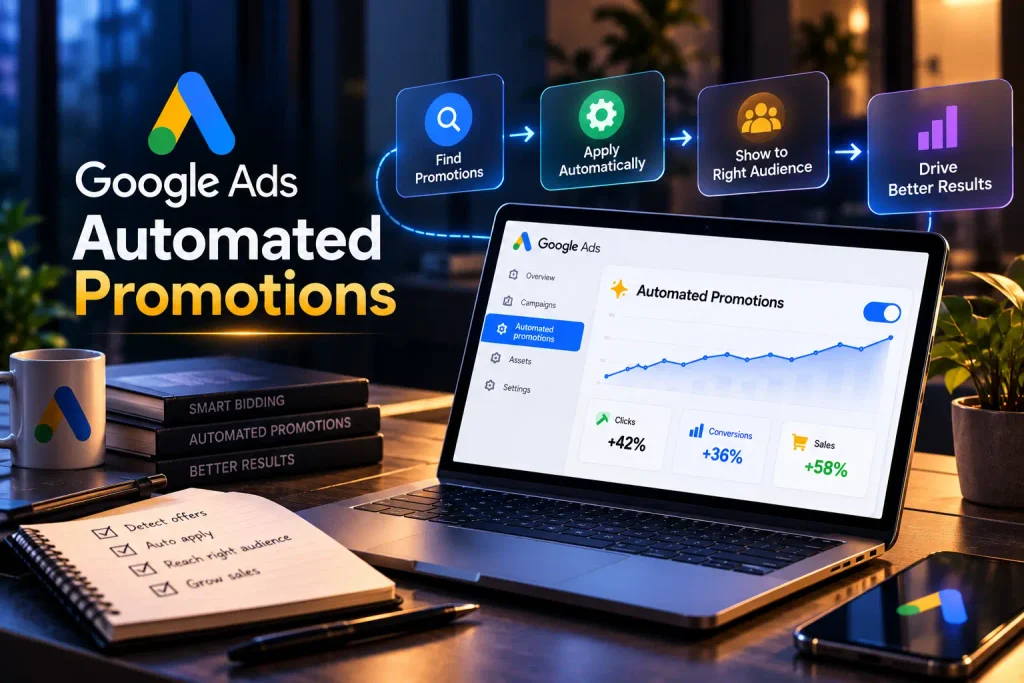
Google Ads Automated Promotions is a feature where Google scans your website, finds active offers such as coupons and discounts, and attaches them to your campaigns as promotion assets.
Until now, promotion assets were manual. You typed the offer, set the dates, and chose where it appeared. With Automated Promotions, Google does this step for you, based on what it finds on your landing pages.
According to Google Ads Help, the goal is to show valid offers inside your ads to drive both online and offline conversions.
In plain terms: if your website says “Flat 20% Off This Week”, your Google ad might start showing the same offer, even if you never added it inside Google Ads.
WHO IS AFFECTED
When Does It Start and Which Campaigns Are Affected?
Google Ads Automated Promotions rolls out from October 12, 2026. It applies to two campaign types, and only under specific conditions.
| Affected | Not Affected |
|---|---|
| Search campaigns with linked location assets | Campaigns with a manual promotion asset already attached |
| Performance Max campaigns with linked location assets | Campaigns without location assets |
| Accounts where the setting stays on | Accounts where Automated Promotions is turned off |
| Other campaign types such as Display and Demand Gen |
(Note for Sandip: use the native Table block and add sanrovax-table as the Additional CSS Class.)
Location assets are the key condition. If your Google Business Profile is linked and your campaigns use location assets, your account falls inside the rollout. Local stores, clinics, restaurants, showrooms, and multi location retail brands fit this profile.
Google has limited the scope to Search and Performance Max for now. There is no confirmed date for other campaign types.
HOW IT WORKS
How Google Picks Offers From Your Website
Google reads your landing pages and looks for active promotions. Google says it verifies each offer so only active, unexpired deals appear in ads.
Each automated promotion runs for less than 24 hours. After this window, Google checks your website again. If the offer still appears on the page, the promotion switches back on. If the offer is gone, it stops.
Google has not yet added automatic start and end dates for these promotions. Google Ads Help lists this as a planned future update. Until then, your website is the only source Google uses to decide which offers to show.
This means your website now controls part of your ad copy. An old banner left on a page keeps feeding your ads.
THE DECISION
Should You Keep Automated Promotions On or Turn Them Off?
The right choice depends on how well your website reflects your current offers.
| Keep It On | Turn It Off |
|---|---|
| Your website offers are always current | Your site has old offer banners nobody removes on time |
| You run frequent sales and want them in ads without extra work | Your offers carry conditions like minimum order value or bank card terms |
| You have one location or one consistent price list | Different branches run different offers |
| You review campaign results every week | You need strict control over ad copy for brand or legal reasons |
Google Ads Automated Promotions works well only when your website stays accurate. If your team does not update offer banners on time, turn the setting off and add promotions manually instead.
STEP BY STEP
How to Turn Off Automated Promotions in Google Ads
The setting lives at the account level. There is no campaign level control, so one switch decides it for every eligible campaign.
Sign in to Google Ads, go to the left menu, and click Assets.
Inside Assets, find the section for account level automated assets.
Click Advanced settings to see the full list of automated asset types in your account.
Find Automated promotions, set the toggle to Off, and save your change.
Do this before October 12 if you want to stop automated offers from serving on day one.
INDIA FOCUS
Risks Indian Businesses Should Know Before Diwali
The timing matters for India. The rollout lands in the middle of festive season, when websites carry more offer banners than at any other time of the year. Search Engine Land also flags accuracy as the main concern for advertisers.
Here are the risks to watch:
✘ Expired festive offers: a Navratri or Dussehra banner left on a page after the sale ends stays eligible as long as it stays visible.
✘ Bank and card offers: an offer like “10% Off With Select Credit Cards” carries conditions. A short ad line drops those terms, and customers feel misled at checkout.
✘ Margin pressure: a discount meant for one product category might appear on ads promoting full price products.
✘ Price mismatch: when your ad shows one offer and your checkout shows another, trust drops and so does your conversion rate.
✘ Branch level differences: multi location businesses often run different deals in different cities. One account level toggle does not account for this.
And here is what works in your favor:
✔ Zero setup time for genuine sales.
✔ Fresh offers reach your ads without waiting for manual updates.
✔ Offers appear in front of people searching nearby, close to the moment of purchase.
REPORTING
How to Check Which Promotions Google Added
Google recommends segmenting campaign reports by click type to see how people interact with offers. Open your campaign report, choose Segment, then Click type, and look for promotion clicks.
There is one catch. Only promotion assets with impressions show up in the Assets section. An automated promotion with zero impressions stays hidden, so you do not get a full list of what Google picked up from your website.
Check your reports at least twice a week during festive season. If a wrong offer shows up, fix the source page on your website first, since Google reads from there.
BEFORE OCTOBER 12
What to Fix on Your Website Before October 12
✔ Remove expired offer banners from every landing page linked to your ads.
✔ Write offer terms in plain text next to the offer, not only inside an image.
✔ Keep one clear offer per landing page where possible.
✔ Match the offer on your landing page with the price your customer sees at checkout.
✔ Assign one person to check offer banners every Monday during festive season.
Search your own website for words like “off”, “sale”, “coupon”, and “discount” before October 12. Every page where these words appear is a page Google Ads Automated Promotions reads.
Expert Insight
Most businesses treat their website and their Google Ads account as two separate things. Automated Promotions joins them. From October 12, an old banner on your homepage becomes ad copy, so website upkeep is now part of ad management.
How Sanrovax Helps
Sanrovax audits Google Ads accounts and landing pages together, so the offers Google pulls from your website match what you want customers to see. We review your automated asset settings, clean up outdated offer banners, and set up manual promotions where you need tighter control.
Talk to SanrovaxFrequently Asked Questions
1. Google Ads Automated Promotions kya hai simple bhasha mein?
It is a Google Ads setting which pulls coupons and deals from your website and shows them inside your Search and Performance Max ads automatically.
2. When do Google Ads Automated Promotions start?
The rollout starts on October 12, 2026, and the setting is on by default for eligible accounts.
3. Kya ye feature mere sabhi campaigns pe lagega?
No. It applies only to Search and Performance Max campaigns with linked location assets and no existing promotion assets.
4. How do I turn off Automated Promotions in Google Ads?
Go to Assets, open account level automated assets, click Advanced settings, and switch Automated promotions to Off.
5. Kya main sirf ek campaign ke liye ise band kar sakta hu?
Google offers only an account level toggle. A campaign with a manual promotion asset already attached stays outside the automated rollout, so adding your own promotion asset keeps control at the campaign level.
6. How does Google know if an offer is still valid?
Each automated promotion serves for less than 24 hours. Google then checks your website again and serves the offer only if it still appears on the page.
7. Agar website pe purana offer reh gaya toh kya hoga?
Google treats any offer visible on your page as active. An expired banner left on your website stays eligible to appear in your ads until you remove it.
8. Where can I see which promotions Google added?
Segment your campaign reports by click type. Only promotion assets with impressions appear in the Assets section, so assets with zero impressions stay hidden.
9. Diwali sale ke time ye feature ON rakhna chahiye kya?
Keep it on only if your website offers are updated daily and match checkout. If not, turn it off and add festive offers as manual promotion assets.
10. Does Automated Promotions cost extra?
No. There is no separate fee for promotion assets. You pay for clicks as usual under your existing campaign budget.
Conclusion
Google Ads Automated Promotions moves control of your ad offers from your Google Ads account to your website. For businesses with clean, current websites, it saves time. For businesses with outdated banners or conditional offers, it creates risk during the busiest sales period of the year.
Use this simple rule:
✔ Keep it on if your website offers are accurate and you review reports every week.
✘ Turn it off if your offers carry conditions, vary by location, or stay on the site after they end.
Make the decision before October 12.
If you want help reviewing your Google Ads Automated Promotions setup before the rollout, reach out directly.
Website: https://sanrovax.com Email: sandip@sanrovax.com