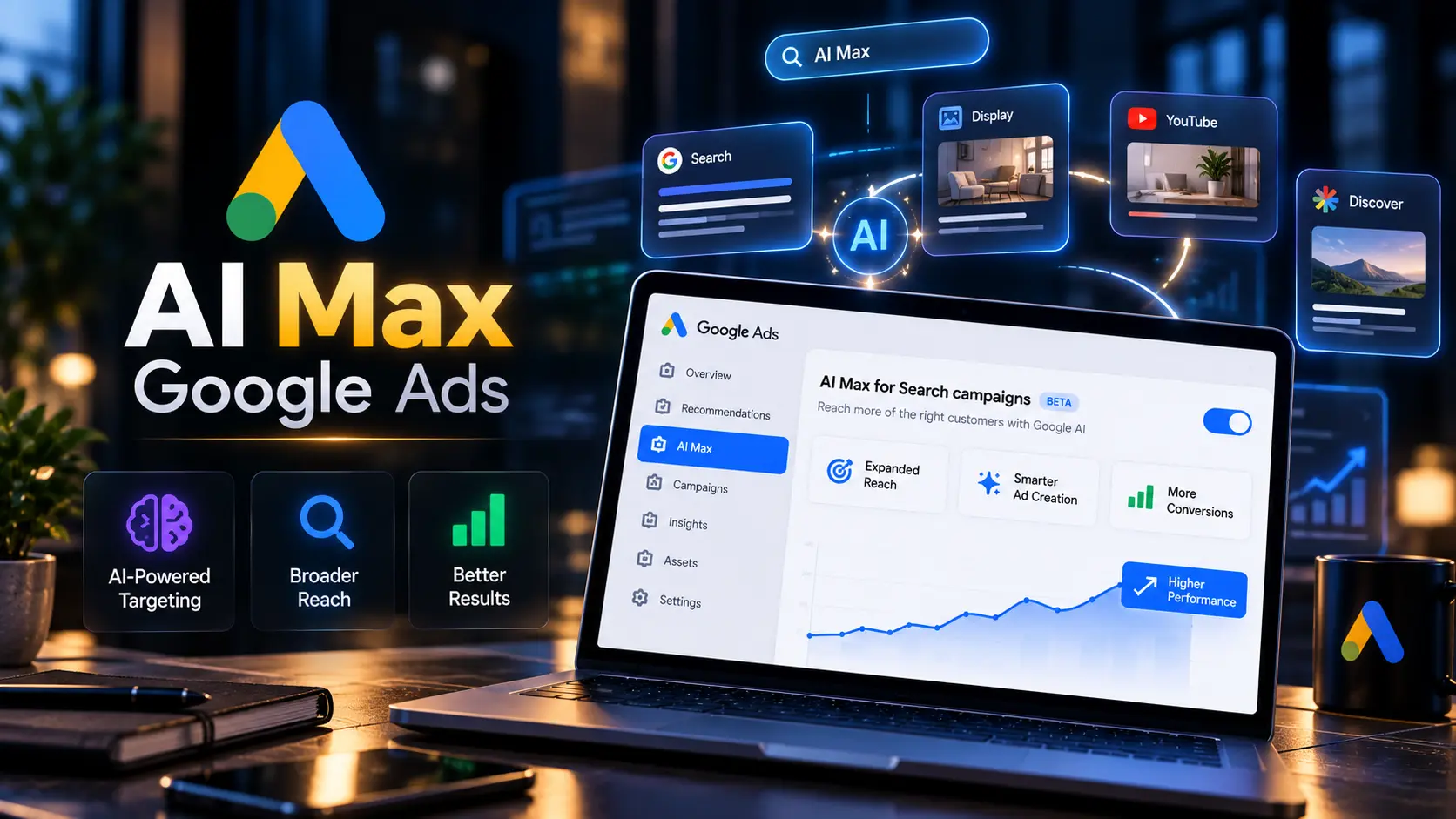
AI Max Google Ads is now running inside thousands of Search campaigns, and many advertisers never switched it on themselves. Google sent upgrade notices on August 5, 2026, and from September 1 it started moving eligible Search campaigns into AI Max automatically. If your search terms report suddenly shows queries you never targeted, or your ads point to pages you never chose, this upgrade is the likely reason. This guide explains what AI Max Google Ads changes, how to check your campaigns, how to turn it off, and when you should keep it on.
THE BASICS
What Is AI Max Google Ads?
AI Max Google Ads, officially called AI Max for Search campaigns, is a setting that lets Google’s AI decide which searches trigger your ads, what your ad text says, and which page a user lands on. It bundles three features into one toggle at the campaign level.
| AI Max Feature | What It Does | What It Replaced |
|---|---|---|
| Search term matching | Shows your ads on searches beyond your keywords, using your landing pages and assets as signals | Broad match expansion and Dynamic Search Ads targeting |
| Text customization | Writes new headlines and descriptions based on your website, ads and keywords | Automatically created assets |
| Final URL expansion | Sends users to the page on your site Google thinks fits the search best | Dynamic Search Ads landing page selection |
Google explains the full feature set on its Google Ads Help page. In short, AI Max Google Ads moves control of query matching, copy and landing pages from you to Google’s system.
THE UPGRADE
What Changed in September 2026?
Google stopped treating AI Max as an optional add on. Campaigns that already used the older automation settings were moved into AI Max Google Ads without the advertiser pressing any button.
| Campaign Setup Before Upgrade | What Got Turned On |
|---|---|
| Search campaign using automatically created assets | AI Max with text customization |
| Search campaign using broad match plus automatically created assets | AI Max with search term matching and text customization |
| Dynamic Search Ads campaign or ad group | Scheduled to move into AI Max, with full migration expected by February 2027 |
| Search campaign using only exact and phrase match, no automated assets | Not upgraded automatically |
The timeline looks like this:
- August 2026: Google blocked new setups of the old automated asset settings and emailed upgrade notices on August 5.
- September 1, 2026: Automatic upgrades to AI Max began for eligible Search campaigns.
- February 2027: Dynamic Search Ads are expected to finish moving into AI Max.
Search Engine Land covered the migration timeline in detail when Google announced it.
If your Search campaign used automatically created assets or Dynamic Search Ads before August 2026, assume AI Max Google Ads is now active on it until you confirm otherwise in Settings.
QUICK CHECK
How to Check If AI Max Google Ads Is On in Your Campaign
Open the campaign, go to Settings, and look for the AI Max section. If the toggle shows on, the campaign runs AI Max Google Ads. You will also see which of the three features are active.
The second check is the search terms report. Add the “Match type” column. Queries matched through AI Max show “AI Max” as the match type instead of exact, phrase or broad. If a large share of your spend sits under that label, AI Max is driving your traffic, not your keywords.
Run both checks on every Search campaign in the account. Upgrades happened campaign by campaign, so one account often has a mix.
STEP BY STEP
How to Turn Off AI Max Google Ads
Turning off AI Max Google Ads takes under a minute per campaign.
In your Google Ads account, click Campaigns in the left menu, then open the Settings tab.
Click the Search campaign you want to change. Each campaign has its own AI Max setting.
Scroll to AI Max for Search campaigns and expand it.
Switch the toggle off and click Save. Your campaign goes back to keyword based matching with your own ads and final URLs.
Two things to know before you switch it off. First, if you turn AI Max back on later, Google restores your earlier feature settings. Second, URL exclusions you added stay saved but get ignored while AI Max is off. Google lists the exact steps on its AI Max setup page.
PARTIAL CONTROL
How to Turn Off Individual AI Max Features
You do not need to switch off all of AI Max Google Ads. You keep the main toggle on and disable one feature at a time.
| Feature | Level | Where to Change It |
|---|---|---|
| Search term matching | Ad group | Ad group settings, AI Max section |
| Text customization | Campaign | Campaign settings, AI Max section |
| Final URL expansion | Campaign | Campaign settings, AI Max section |
| Brand inclusions and exclusions | Campaign | Campaign settings, Brand controls |
| URL inclusions and exclusions | Campaign | Campaign settings, Final URL expansion |
| Locations of interest | Ad group | Ad group settings, Locations |
Turning off text customization also turns off final URL expansion. Google needs to write matching ad text when it picks a new landing page, so the two features switch off together.
THE DECISION
Should You Keep AI Max Google Ads On or Turn It Off?
The answer depends on your conversion data, your budget and how strict your ad copy needs to be.
| Keep AI Max On | Turn AI Max Off |
|---|---|
| 30 or more conversions per month in the campaign | Fewer than 15 conversions per month |
| Large website with many product or service pages | Small site with three or four key pages |
| Flexible brand voice, no legal copy rules | Regulated industry with approved ad text only |
| Budget room to test new queries | Tight daily budget where every click counts |
| Clean conversion tracking with values | Tracking counts calls, page views or form opens as conversions |
Google reports an average 7% lift in conversions or conversion value for campaigns using AI Max Google Ads. Treat this as Google’s own figure, not a promise for your account. Your result depends on data quality and how many pages Google has to work with.
✔ Keep it on when your tracking is clean and your site covers many intents
✔ Keep it on when you want to find new search terms your keyword list misses
✘ Turn it off when your budget is under a few thousand rupees a day
✘ Turn it off when compliance teams must approve every line of ad copy
INDIA CONTEXT
AI Max Google Ads Risks Indian Businesses Should Watch
AI Max Google Ads behaves differently in India because of how people search here.
Hinglish and misspelled queries. Indian users type “sasta ac repair near me” or “best cofee machine”. AI Max reads intent from loose signals, so it often matches your ads to related but wrong searches. A dental clinic ad showing on “dant dard ka gharelu ilaj” pays for clicks from people who want home remedies, not appointments.
Limited budgets. Many small and medium businesses in India run Search campaigns on ₹1,000 to ₹3,000 a day. AI Max needs volume to learn. With low spend, it burns budget on exploratory queries before it finds what converts.
Compliance copy. Clinics, financial services, real estate and education brands work under advertising rules. Text customization writes headlines your legal team never saw. One wrong claim about returns or treatment results creates real risk.
Pinned assets get skipped. When final URL expansion or URL inclusions send users to a different page, Google writes new text for that page. Your pinned headlines will not show in those auctions.
SETUP CHECKLIST
Controls to Set Before Keeping AI Max Google Ads On
If you decide to keep AI Max Google Ads running, set these controls first.
- Add negative keywords. Review the search terms report weekly and add irrelevant queries as negatives at campaign or account level.
- Use brand exclusions. Stop your ads from showing on competitor or unrelated brand searches. Use brand inclusions in brand campaigns to keep traffic tight.
- Set URL exclusions. Block pages like careers, blog, privacy policy and login from final URL expansion. URL exclusions only work while text customization and final URL expansion are both on.
- Add exact match copies of top keywords. AI Max does not treat broad match like exact match. Adding exact versions of your best keywords protects traffic you already know converts.
- Set locations of interest at ad group level. This helps when you target users searching for services in a specific city, such as “plumber in Kolkata”, even from outside it.
Run AI Max Google Ads as an experiment first. Create a campaign experiment with AI Max on for 50% of traffic and compare cost per conversion over four weeks before you roll it out to the full campaign.
Expert Insight
Most accounts we audited after the September upgrade had AI Max Google Ads running without the owner knowing. The first step is not switching it off blindly. Open the search terms report, filter by the AI Max match type, and see what those clicks cost and what they converted. That data tells you whether to keep it, limit it or turn it off.
How Sanrovax Helps
Sanrovax audits accounts after the AI Max Google Ads upgrade. We check which campaigns were moved, pull AI Max search terms, measure cost per conversion against your keyword traffic, and set brand, URL and negative keyword controls. Businesses across India, Australia and the UK use our Google Ads management service to keep automation working for them.
Talk to SanrovaxFrequently Asked Questions
1. What is AI Max Google Ads?
AI Max Google Ads is a setting for Search campaigns that uses Google’s AI to expand search term matching, write ad text and choose landing pages. It combines search term matching, text customization and final URL expansion under one toggle.
2. AI Max mere campaign mein automatically on kaise ho gaya?
Google started auto upgrading eligible Search campaigns from September 1, 2026. Campaigns using automatically created assets or broad match with automated assets were moved into AI Max without manual action.
3. How do I turn off AI Max in Google Ads?
Go to Campaigns, open the Settings tab, select the campaign, expand the AI Max section, switch the toggle off and click Save.
4. Kya AI Max off karne se meri purani settings wapas aa jayengi?
Yes. Turning AI Max off returns the campaign to keyword based matching with your own ads and URLs. If you switch it back on later, Google restores your earlier AI Max feature settings.
5. Can I turn off only one AI Max feature?
Yes. Search term matching switches off at ad group level. Text customization and final URL expansion switch off at campaign level. Turning off text customization also disables final URL expansion.
6. AI Max search terms report mein kaise dikhta hai?
Add the Match type column in the search terms report. Queries matched through AI Max show “AI Max” as the match type.
7. Does AI Max Google Ads improve conversions?
Google reports an average 7% lift in conversions or conversion value. This is Google’s own figure. Results vary based on conversion tracking quality, budget and website size.
8. Small budget wale business ke liye AI Max sahi hai?
Usually not. Campaigns spending ₹1,000 to ₹3,000 a day often lack the data AI Max needs. Start with exact and phrase match, then test AI Max once you reach steady conversion volume.
9. What happens to Dynamic Search Ads?
Dynamic Search Ads are moving into AI Max. Google expects the full migration to finish by February 2027.
10. AI Max on rakhne se pehle kaunse controls set karne chahiye?
Add negative keywords, set brand exclusions, block low value pages with URL exclusions, add exact match copies of your top keywords and set locations of interest at ad group level.
Conclusion
AI Max Google Ads is now the default direction for Google Search. You still decide how much control to hand over. Use this framework:
- Keep AI Max fully on if you have 30 or more monthly conversions, clean value based tracking and a large website.
- Use partial AI Max if your data is decent but your copy or landing pages need control. Keep search term matching, turn off text customization.
- Turn AI Max off if you run a small budget, a regulated business or a site with only a few pages.
Check every Search campaign this week. The upgrade has already happened in most accounts.
If you want an AI Max audit for your Google Ads account, reach out directly.
Website: https://sanrovax.com Email: sandip@sanrovax.com
Key Statistics
Important Articles
- Types of Google Ads
- Google Ads Cost in India
- Google Ads Automated Promotions
- How Google Ads Work for Business
- Google Ads Management