By Sandip Sahani — Founder, Sanrovax | Performance Marketing & Growth Systems
If you want to learn how to run LinkedIn ads for your business in 2026 and generate qualified B2B leads, this guide is for you. No theory. No fluff. Just the practical system that turns LinkedIn’s premium audience into real revenue.
Introduction — Why Every B2B Business Needs to Learn How to Run LinkedIn Ads
Let me give you a number that should change how you think about B2B advertising forever.
LinkedIn delivers an average conversion rate of 6.1% for B2B campaigns — significantly higher than Google Search at 3.75% and Google Display at 0.77%. For B2B advertisers, that means LinkedIn is converting at nearly 2x the rate of every other major paid platform on the internet right now.
Here is why that matters in 2026. LinkedIn now has over 930 million members worldwide, and 4 out of 5 LinkedIn members drive business decisions at their companies. That is not just a “social network.” That is the largest concentrated database of decision-makers, executives, founders, and B2B buyers anywhere in the world.
The financial proof is in the numbers. LinkedIn now commands 41% of total B2B ad budgets globally, up from 39% the previous year. According to Dreamdata’s 2026 LinkedIn Ads Benchmarks Report (built on 66 million sessions and 3.5 million customer journeys), LinkedIn delivers a 121% ROAS across B2B advertisers — meaning $2.21 in revenue for every $1 spent. 57% of companies report being satisfied with their LinkedIn advertising ROI, even at premium pricing.
But here is the catch most business owners do not realize. LinkedIn ads cost 3 to 5 times more per click than Facebook or Google Display — averaging $5–$10 CPC for Sponsored Content in 2026. Which means amateur campaigns burn budgets fast. The businesses winning on LinkedIn in 2026 are the ones who understand exactly how to run LinkedIn ads strategically — with the right targeting, the right format, and the right offer for B2B decision-makers.
This guide will walk you through the entire system — setup, ad formats, targeting, budgeting, and the mistakes that quietly destroy ROI. Let us get into it.
How to Run LinkedIn Ads — System, Setup & How It Works
Understanding how to run LinkedIn ads the right way starts with understanding three things: the campaign manager, the ad formats, and the auction system.
The LinkedIn Campaign Manager
Everything starts at LinkedIn Campaign Manager (linkedin.com/campaignmanager). This is your central dashboard where you create, manage, and optimize every ad campaign. Unlike personal LinkedIn accounts, Campaign Manager is tied to a LinkedIn Page — your business’s official presence on the platform. You cannot run real B2B ads without a LinkedIn Page.
The structure is simple: Account → Campaign Group → Campaign → Ads. This hierarchy lets you organize campaigns by objective, budget, and audience for clean reporting.
The LinkedIn Auction System
LinkedIn uses a second-price auction model — you set a maximum bid, and if you win, you pay just slightly above the second-highest bid. The platform considers three things: your bid, your ad’s relevance score, and competition for your specific audience.
Premium audiences (C-suite executives, decision-makers in finance and tech) command higher CPCs because more advertisers compete for them. Standard B2B audiences (mid-level managers, less competitive industries) cost less. This is why your targeting strategy directly controls your costs.
The Main LinkedIn Ad Formats
When you learn how to run LinkedIn ads, you have several format options:
Sponsored Content — Native ads that appear directly in the LinkedIn feed. Available as Single Image, Carousel, Video, and Document Ads. The most popular and highest-performing format for B2B campaigns.
Message Ads (formerly Sponsored InMail) — Personalized messages delivered directly to your prospect’s LinkedIn inbox. You pay per send. Open rates of 35–55% make this powerful for high-value B2B outreach.
Lead Gen Forms — Pre-filled forms attached to Sponsored Content. Members can submit their info without leaving LinkedIn. Conversion rates of 6–10%, significantly higher than landing page funnels.
Text Ads — Small ads that appear in the right rail of LinkedIn. Cheapest format ($2–$6 CPC) but lower CTR. Best for retargeting and brand awareness.
Dynamic Ads — Personalized ads that use the viewer’s profile data. High engagement, perfect for follower growth and content promotion.
Conversation Ads — Interactive Message Ads with multiple CTA buttons. Drives deeper engagement with prospects.
Thought Leader Ads — Promote content from your CEO, founder, or executives’ personal profiles. Emerging as the most cost-efficient format with significantly lower CPCs.
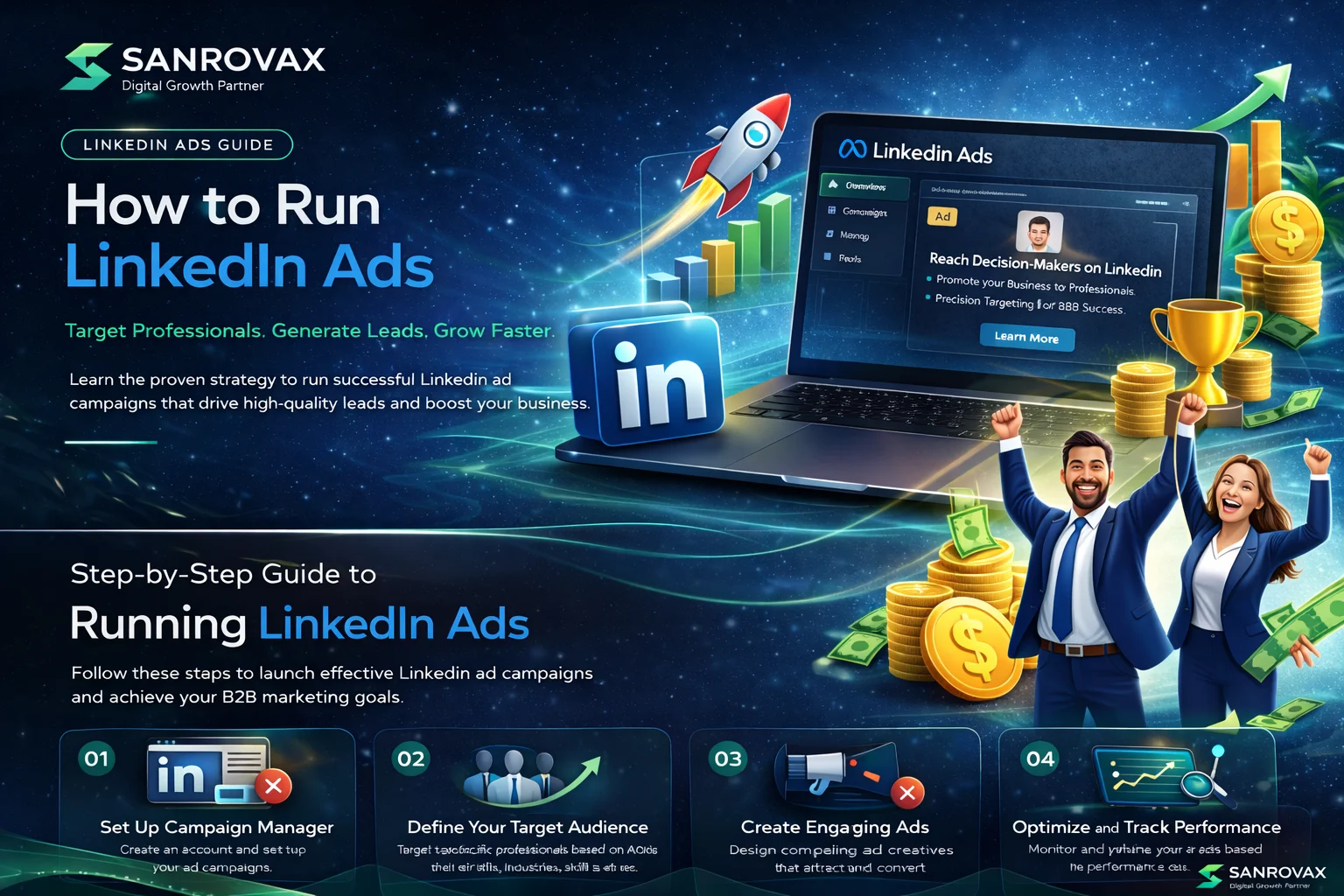
The Setup Process — Step by Step
Step 1: Create or claim your LinkedIn Page if you do not have one.
Step 2: Go to Campaign Manager and create your Ad Account. Set your billing currency and timezone (these cannot be changed later).
Step 3: Install the LinkedIn Insight Tag on your website to track conversions and build retargeting audiences.
Step 4: Define your conversion actions — form submissions, demo requests, purchases.
Step 5: Choose your campaign objective — Brand Awareness, Website Visits, Engagement, Video Views, Lead Generation, Website Conversions, or Job Applicants.
Step 6: Build your audience using LinkedIn’s targeting filters (job title, seniority, industry, company size, skills, education).
Step 7: Set your budget, bidding strategy, and schedule.
Step 8: Upload your creatives, write your ad copy, and launch.
That is the full system. Done correctly, this foundation generates predictable B2B leads month after month.
What to Keep in Mind When Running LinkedIn Ads
1. Use the Insight Tag and Conversion Tracking
Without the LinkedIn Insight Tag installed and conversion tracking configured, your campaigns are flying blind. Set this up before launching anything — and verify with the Insight Tag testing tool.
2. Target Job Titles AND Seniority Together
LinkedIn’s biggest strength is precision targeting. Layering attributes like Job Title + Seniority + Company Size + Industry delivers significantly better results than broad targeting. A “Marketing Manager” at a 500-person SaaS company is very different from one at a 10-person startup.
3. Build Audiences of 15,000–50,000 Members
Audiences smaller than 15,000 burn budget too fast and trigger frequency fatigue. Audiences larger than 100,000 dilute targeting precision. The sweet spot for how to run LinkedIn ads profitably is 15,000–50,000 highly relevant prospects.
4. Allocate the Right Budget from Day One
LinkedIn’s minimum is $10/day per campaign, but realistic minimums for meaningful data are $25–$50/day per campaign. Most experts recommend $1,500–$3,000/month minimum for testing and $5,000–$10,000/month for scaled lead generation.
5. Use Lead Gen Forms for B2B Lead Capture
Lead Gen Forms convert at 6–10% versus 3–5% for landing page funnels. The pre-filled fields reduce friction dramatically, and the leads are pre-verified by LinkedIn’s profile data — meaning higher quality.
6. Test 4–5 Creative Variations Per Campaign
LinkedIn’s algorithm needs creative diversity to optimize. Run multiple ad variations with different hooks, formats, and CTAs. Refresh creative every 2–4 weeks to prevent fatigue.
7. Match Your Offer to B2B Buying Behavior
LinkedIn users are not impulse buyers. High-converting offers are ones that deliver immediate value: whitepapers, case studies, ROI calculators, free audits, demo requests, and webinars. Save direct sales pitches for retargeting campaigns.
8. Plan for B2B Sales Cycles
B2B sales typically take 60–120 days to close. Do not evaluate LinkedIn ROI at day 30 — set up multi-touch attribution that tracks LinkedIn as an influence touchpoint through the full pipeline. Real ROAS shows up at day 90+.
9. Combine Multiple Ad Formats
Many B2B teams run only Sponsored Content because it is the default. Testing a combination of Sponsored Content + Message Ads + Lead Gen Forms typically reduces blended cost per lead by 15–25% because each format reaches members in different contexts.
What NOT to Do When Running LinkedIn Ads
1. Do Not Use LinkedIn Ads for Low-Ticket B2C Offers
LinkedIn’s premium pricing only makes sense when your average customer value is ₹50,000+ or your contract value is ₹2 lakh+. Trying to sell a ₹500 product on LinkedIn is a guaranteed loss.
2. Do Not Skip the Insight Tag
Running LinkedIn ads without the Insight Tag means no conversion tracking, no retargeting, no optimization. This is the biggest mistake new advertisers make.
3. Do Not Set It and Forget It
LinkedIn campaigns need weekly optimization. Ad fatigue happens fast on smaller audiences. Pause underperforming creatives, refresh ads every 2–4 weeks, and adjust targeting based on performance data.
4. Do Not Over-Restrict Your Targeting
Combining 6 or 7 targeting layers shrinks your audience too much and drives CPCs through the roof. Start with 3–4 strong filters (job title + seniority + company size + industry) and refine from there.
5. Do Not Send Traffic to Generic Pages
Your homepage was not built to convert LinkedIn traffic. Always create dedicated landing pages that match your ad’s specific offer, audience, and pain point.
6. Do Not Ignore Frequency
On smaller LinkedIn audiences, the same people see your ads repeatedly within 2 weeks. Once frequency exceeds 4–5 impressions per member, CTR drops and CPC climbs. Refresh creative when this happens.
7. Do Not Kill Campaigns Too Fast
LinkedIn’s learning phase takes 2–4 weeks. If you pause campaigns after 7 days of “no leads,” you reset the algorithm and waste your initial spend. Be patient — and track quality, not just quantity.
8. Do Not Ignore Thought Leader Ads
Thought Leader Ads are quietly outperforming traditional Sponsored Content with lower CPCs and higher engagement. If your CEO or founder posts regularly on LinkedIn, you are leaving money on the table by not promoting that content as ads.
9. Do Not Compare LinkedIn CPCs to Facebook
Facebook CPCs of ₹50 versus LinkedIn CPCs of ₹500 is misleading. The right comparison is cost per qualified lead and cost per closed deal. LinkedIn leads typically convert at 2–3x the rate of Facebook leads in B2B.
How Sanrovax Helps Businesses Generate Revenue with LinkedIn Ads
At Sanrovax, we treat LinkedIn ads as a B2B revenue engine — not a brand-building activity.
Every engagement starts with a deep dive into your B2B sales economics: your average contract value, your sales cycle length, your close rates, and your ideal customer profile. Only after we understand the numbers do we touch Campaign Manager. This approach is what separates LinkedIn campaigns that generate qualified pipeline from campaigns that just generate clicks.
We build the complete technical foundation: LinkedIn Page optimization, Insight Tag installation, conversion tracking setup, retargeting audience architecture, and integration with your CRM for full-funnel attribution. Then we architect campaigns around your actual sales process — combining Sponsored Content, Message Ads, Lead Gen Forms, and Thought Leader Ads into a multi-touch sequence that nurtures B2B prospects over the full 60–120 day buying cycle.
Our approach combines precision audience targeting (job title + seniority + company size + industry), conversion-optimized lead magnets (audits, calculators, case studies), and multi-format creative testing. We optimize weekly, refresh creatives every 2–4 weeks, and refine targeting based on real pipeline data — not vanity metrics.
Whether you are launching your first LinkedIn campaign or scaling an existing B2B account, we build systems designed to deliver measurable revenue growth.
FAQ — How to Run LinkedIn Ads for Businesses
Q1: How much does it cost to run LinkedIn ads in 2026?
LinkedIn ads average $5–$10 CPC for Sponsored Content in 2026, with CPM ranging $30–$80 and CPL typically $75–$200 for B2B lead generation. The minimum daily budget is $10 per campaign, but realistic minimums for meaningful results start at $1,500–$3,000/month.
Q2: Are LinkedIn ads worth it for small businesses?
Yes — but only if your average customer value is ₹50,000+ or contract value is ₹2 lakh+. For low-ticket B2C offers, Meta and Google Ads are better. For B2B, professional services, SaaS, consulting, and high-value coaching, LinkedIn delivers the highest quality leads of any platform.
Q3: How long does it take to see results from LinkedIn ads?
Initial data shows up within 7–14 days. Meaningful optimization happens at 30 days. Real B2B ROI evaluation requires 60–90 days minimum because B2B sales cycles add 30–60 days after lead capture. Do not kill campaigns before this timeline.
Q4: What is the best LinkedIn ad format for lead generation?
Lead Gen Forms with Sponsored Content deliver the best lead-capture performance — 6–10% conversion rates due to pre-filled fields and zero friction. Thought Leader Ads are emerging as the most cost-efficient format for companies with active executive posters.
Q5: Can I learn how to run LinkedIn ads myself or should I hire an expert?
You can technically learn how to run LinkedIn ads yourself — but the cost of mistakes is higher than on other platforms because of LinkedIn’s premium pricing. Professional management typically improves campaign performance by 30–50% in B2B verticals, easily covering the management cost.
Q6: How is LinkedIn different from Facebook and Google ads?
LinkedIn = B2B precision (job title, seniority, company size targeting). Facebook/Meta = broad B2C reach (interest and behavior targeting). Google = high-intent search (active buyer queries). The best B2B strategies use LinkedIn for top-of-funnel targeting and Google for bottom-of-funnel intent capture.
Conclusion — Stop Hoping, Start Targeting
Now you understand how to run LinkedIn ads for your business better than 90% of B2B advertisers running campaigns right now. You know the auction system, the ad formats, the targeting strategies, the budgets that actually work, and the mistakes that destroy ROI.
But knowing is not the same as doing.
The businesses winning with LinkedIn ads in 2026 are not the ones with the biggest budgets. They are the ones with the clearest understanding of B2B buying behavior, the cleanest tracking, the most relevant offers, and the discipline to optimize through full sales cycles — not just first-touch metrics.
LinkedIn is not the cheapest platform. But it is the most concentrated database of B2B decision-makers in the world. When you target precisely, deliver real value, and measure across the full pipeline, LinkedIn becomes the highest-converting paid channel your business has ever used.
That is exactly what we do at Sanrovax. Every client engagement starts with one simple question: what does a real result actually look like for your business? Not impressions. Not clicks. Real qualified leads, real closed deals, real revenue from B2B accounts that compound month after month.
If you are ready to stop guessing and start building a LinkedIn ads system that delivers measurable B2B pipeline, let us talk.
Book Your Free 30-Minute Strategy Call → sanrovax.com
No pressure. No pitch. Just a clear, honest conversation about your business.
Sandip Sahani — Founder, Sanrovax Performance Marketing & Growth Systems | Halisahar, West Bengal, India sandip@sanrovax.com