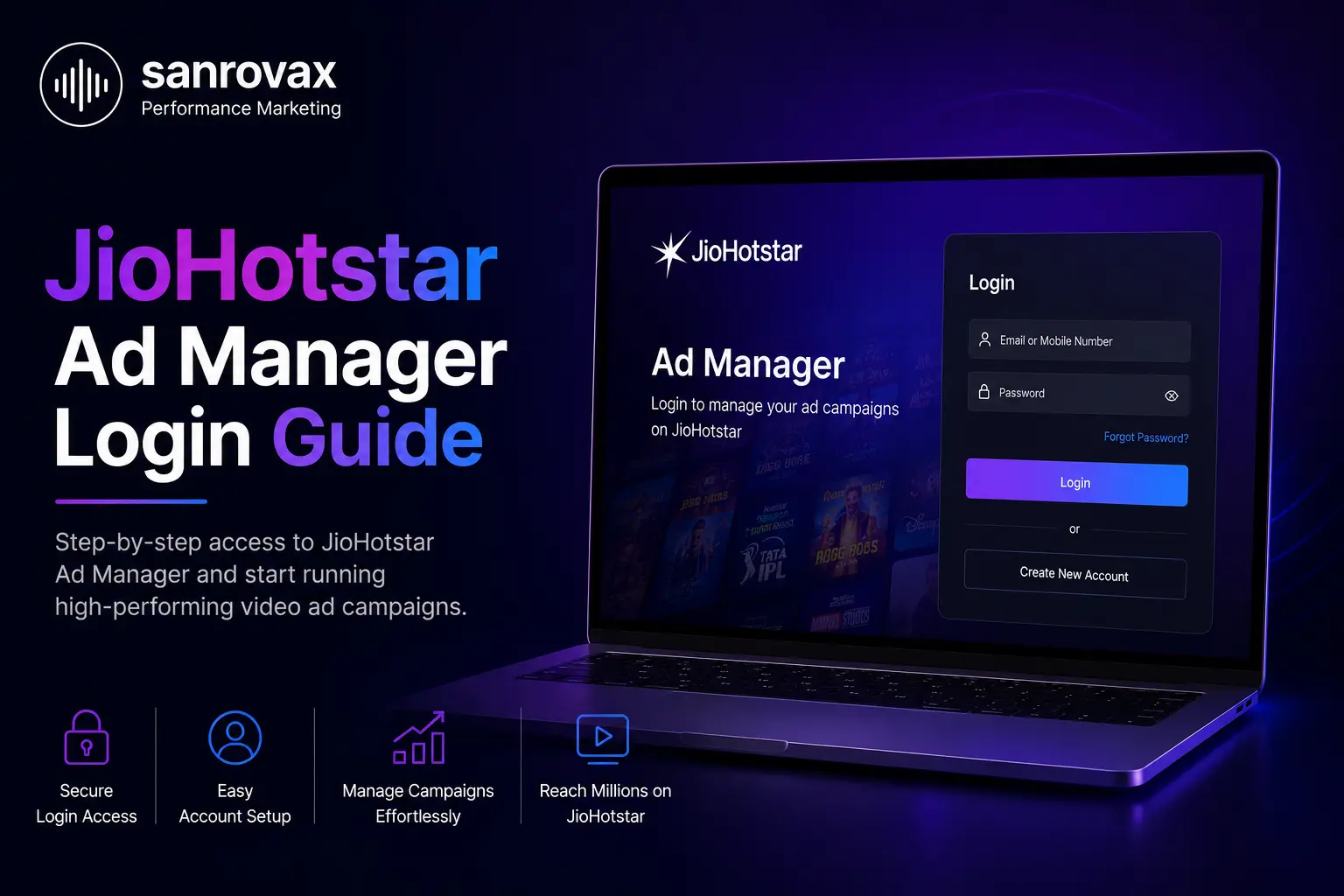
If you are trying to complete a JioHotstar Ad Manager login for the first time, you are not alone. Since JioHotstar launched its dedicated Ads Manager platform in 2026, a large number of advertisers have gotten stuck at the exact same step, confusing the advertising portal with the regular JioHotstar streaming app login. This guide walks through the correct JioHotstar Ad Manager login process, the most common errors advertisers run into, and what to check before you even attempt to log in.
GETTING STARTED
What Is JioHotstar Ad Manager
JioHotstar Ad Manager is the advertising platform JioHotstar launched to give businesses direct access to run campaigns on its streaming platform, without going through an internal sales team or a large agency contract. It sits completely separate from the JioHotstar app that people use every day to watch movies, shows, and live sports. This distinction matters more than most advertisers expect, because the JioHotstar Ad Manager login uses a different portal, different credentials, and a different account verification process altogether.
If you already have a JioHotstar Ad Manager account, either set up independently or through an agency like Sanrovax, the login process below applies to you directly. If you have not created an account yet, you will need to complete registration and business verification first, since a JioHotstar Ad Manager login is simply not possible until that stage is cleared
STEP BY STEP GUIDE
Step by Step JioHotstar Ad Manager Login Process
Here is exactly what the JioHotstar Ad Manager login process looks like once your account has already been created and verified.
Open your browser and go directly to the JioHotstar Ads Manager portal. Do not search casually for JioHotstar login, since that search will usually take you straight to the regular streaming app sign in page instead.
Use the exact mobile number or email address you registered with during account creation. This needs to match precisely, including the country code if a mobile number was used to sign up.
JioHotstar sends a one time password to your registered mobile number and email at the same time. Enter the correct code within the given window, usually sixty seconds, or request it again if it does not arrive.
If your account already has a password set, enter it here. JioHotstar Ad Manager passwords require a minimum of eight characters, including uppercase letters, lowercase letters, numbers, and at least one special character.
Once verified, you land directly on your JioHotstar Ad Manager dashboard, where you can view existing campaigns, create new ones, or manage brand and billing details depending on your account type.
TROUBLESHOOTING
Common JioHotstar Ad Manager Login Problems and How to Fix Them
Most JioHotstar Ad Manager login issues fall into a handful of predictable categories. Here is how to resolve the most common ones quickly, without waiting on support.
Problem vs Fix
| Landing on the regular JioHotstar streaming login page | Bookmark the dedicated Ad Manager portal link separately so you never confuse the two again |
| OTP not arriving within sixty seconds | Use the Resend OTP option once, and confirm your registered mobile number has active network coverage |
| Account shows as pending verification | Business documents may still be under review, this typically clears within four to six business hours |
| Password not accepted despite being correct | Check for an accidental space character or confirm caps lock is not affecting your entry |
| Logging in successfully but seeing no campaigns | Confirm you are logged into the correct account, agency accounts and individual advertiser accounts show completely different dashboards |
If you manage campaigns for multiple brands, always confirm which account you are logged into before making any budget changes. Agency accounts can switch between child advertiser profiles from within the same dashboard, so a wrong click can affect the wrong client’s budget.
CLEARING THE CONFUSION
JioHotstar Ad Manager Login vs JioHotstar Streaming App Login
A large number of advertisers waste time trying to log in through the wrong portal entirely, simply because both platforms share the JioHotstar name. Here is the difference at a glance.
| Feature | JioHotstar Ad Manager Login | JioHotstar Streaming App Login |
|---|---|---|
| Purpose | Manage ad campaigns and budgets | Watch movies, shows, and live sports |
| Access Point | Dedicated Ads Manager portal | JioHotstar app or website |
| Account Type | Business or agency account | Personal subscriber account |
| Verification | Business documents required | Mobile number or email only |
What to Do After Your JioHotstar Ad Manager Login Is Successful
Once you are inside the dashboard, the real work begins, setting up your brand profile if you have not already, building your first campaign, and configuring targeting and budget correctly. We cover this complete process, from account verification all the way through launching your first campaign, in our detailed guide on JioHotstar self serve ads.
Expert Insight
Almost every login issue we see with JioHotstar Ad Manager traces back to one thing, advertisers using the wrong portal entirely. Bookmarking the correct link on day one saves more time than any other single step in this entire process.
How Sanrovax Helps
If your team is stuck at the JioHotstar Ad Manager login stage, or you have not started the account verification process yet, Sanrovax manages the entire setup for clients across India, Australia, and the UK, from account creation through campaign launch and ongoing optimization.
Talk to SanrovaxFrequently Asked Questions
What is the correct JioHotstar Ad Manager login page?
The correct login page is the dedicated JioHotstar Ads Manager portal, which is completely separate from the regular JioHotstar streaming app. Using the streaming app login will not give you access to any advertising features.
Why does my JioHotstar Ad Manager login keep failing?
This usually happens when advertisers try to log in through the wrong portal, enter a mobile number or email that does not exactly match their registered account, or attempt to log in before business verification has been completed.
How long does JioHotstar Ad Manager account verification take?
Business and account verification typically takes four to six hours after all required documents are submitted correctly during business hours.
What documents are needed before I can log in to JioHotstar Ad Manager?
Private limited companies typically need a GST registration certificate, PAN card, and CIN, while partnerships and LLPs need GST, PAN, and their LLPIN, along with any category specific documents where applicable.
Can I use the same login for multiple brands on JioHotstar Ad Manager?
Yes, if you have an agency account, you can create and switch between multiple child advertiser profiles from within a single login.
What if I do not receive the OTP during JioHotstar Ad Manager login?
Wait for the full sixty second window, then use the Resend OTP option. If the issue continues, confirm that your registered mobile number and email are both active and correctly entered.
Is JioHotstar Ad Manager login different for agencies compared to individual advertisers?
The login process itself is the same, but agencies see an additional layer that allows them to manage multiple child advertiser accounts from one central dashboard.
Can I reset my JioHotstar Ad Manager password if I forget it?
Yes, a password reset option is available directly on the login screen, which sends a verification code to your registered mobile number or email to confirm your identity.
Does JioHotstar Ad Manager login require a minimum ad budget?
No, JioHotstar has confirmed there is no fixed minimum ticket size required simply to create an account and log in to the platform.
Who can help if I am still stuck after trying to log in to JioHotstar Ad Manager?
Agencies like Sanrovax handle the full account creation, verification, and login setup process for businesses that want to skip the trial and error entirely.
Conclusion
A JioHotstar Ad Manager login should take less than a minute once your account is fully verified, yet it remains one of the most common points where advertisers get stuck, mostly because two very different portals share a similar name. Bookmark the correct portal, keep your registered mobile number and email consistent across both, and most login issues resolve on the very first try.
If your business is still working through account verification or campaign setup, reach out directly.
Website: https://sanrovax.com Email: sandip@sanrovax.com
Key Statistics
Internal Links
- Revenue Growth Service Page
- JioHotstar Self Serve Ads Complete Setup Guide
- JioHotstar Video Ads
- JioHotstar Self Serve Ads
- JioHotstar Vs Youtube Ads
Prepared by Sanrovax, Performance Marketing and Growth Systems
1 thought on “JioHotstar Ad Manager Login: The Step by Step Process (And Where Most Advertisers Get Stuck)”