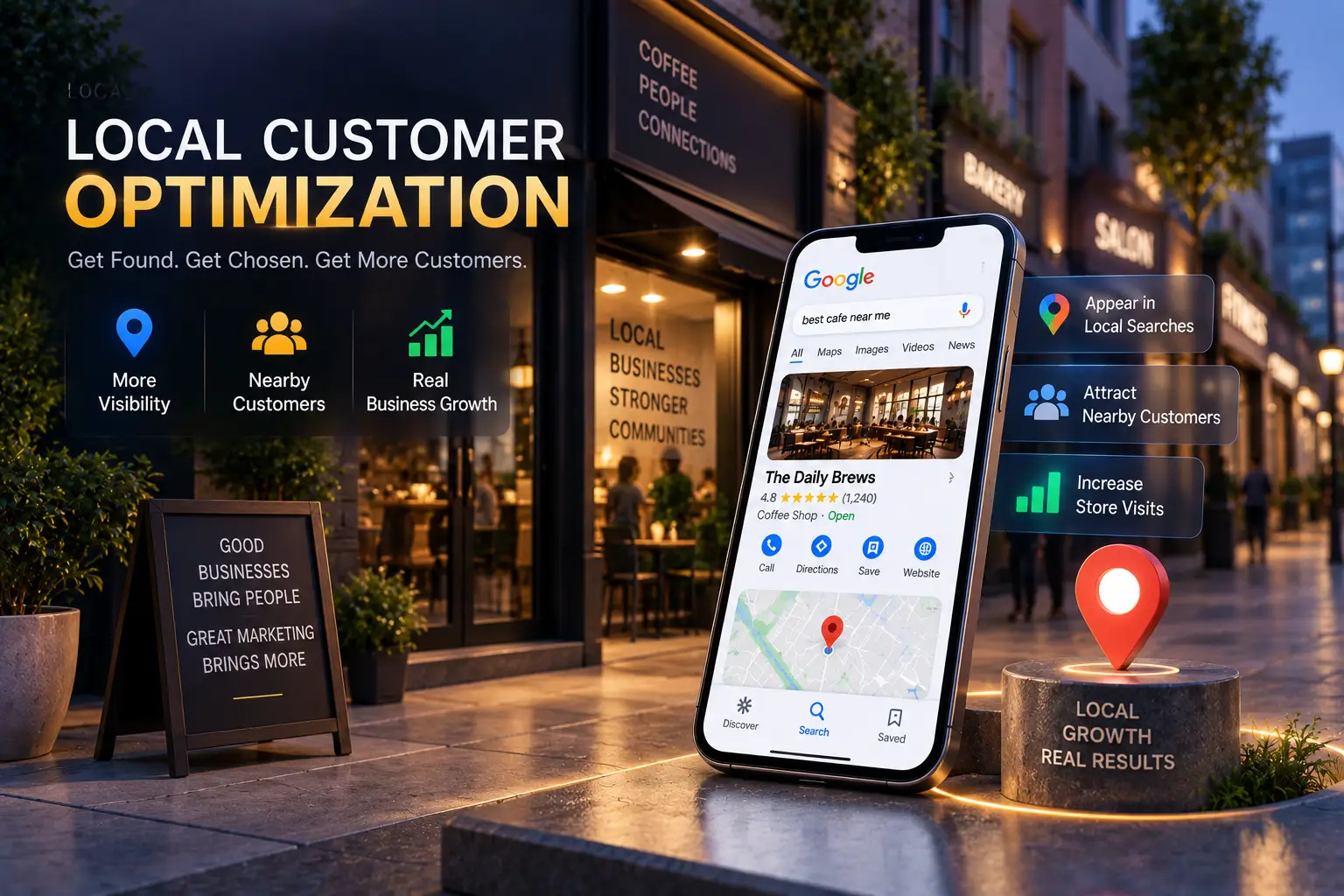
Local Customer Optimization is a Performance Max setting built for one job: putting your ad in front of someone who is physically close to your store and ready to walk in, call, or ask for directions right now. Google rolled it out worldwide in 2026, timed ahead of the Q4 holiday shopping season, alongside a related update called Store Sales in Data Manager. This guide covers what the feature does, who can actually use it, how to turn it on, and the one setup mistake that quietly breaks it for most local businesses.
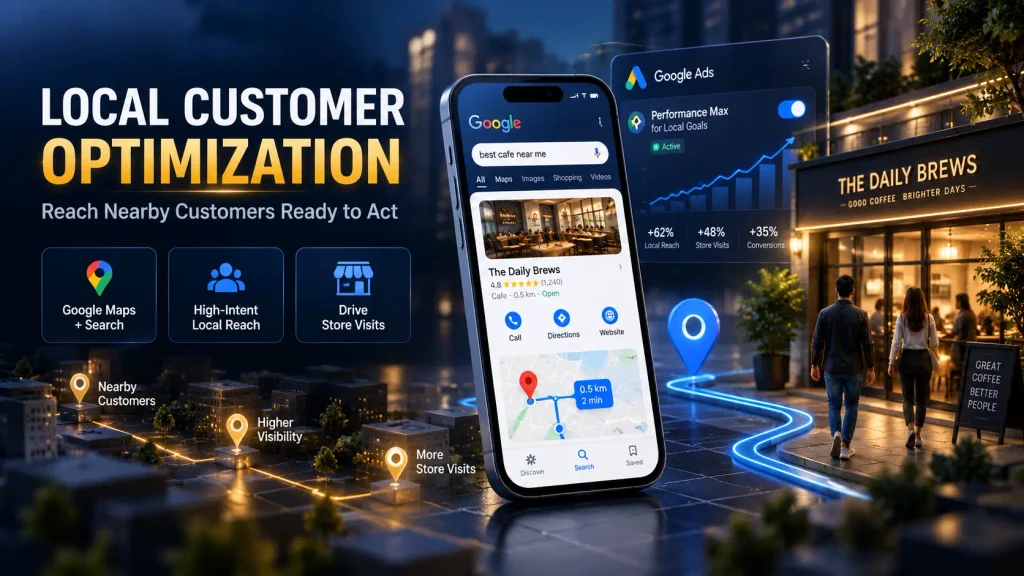
THE BASICS
What Is Local Customer Optimization?
Local Customer Optimization is a bidding and targeting setting inside Performance Max campaigns that run for store goals. It tells Google to prioritize people who are near your business and showing clear intent to act, such as searching for a service in your area, checking directions, or planning a route on Google Maps.
Before this setting existed, Performance Max had no dedicated way to give extra weight to nearby, high intent behavior. A campaign built for online sales and a campaign built for foot traffic were treated more or less the same way. Local Customer Optimization changes that by letting store focused campaigns lean specifically into proximity and intent, according to Google Ads Help.
In plain terms: it is not a new campaign type. It is a switch inside an existing Performance Max campaign that shifts targeting toward people close enough to visit today.
KEY BENEFITS
What Are the Benefits of Local Customer Optimization?
Google points to two direct benefits for businesses with physical locations.
The first is reaching customers at the exact moment they are ready to act. This means people actively planning a route, searching for a nearby service, or traveling close to your location with clear intent to visit, call, or ask for directions.
The second is more efficient local spend. Instead of budget spreading across broad placements, it concentrates specifically on Google Maps, Waze, and local formats within Google Search, where nearby intent actually shows up.
Local Customer Optimization is not a general Performance Max upgrade. It is a specialist setting built only for offline, store visit goals, and turning it on for the wrong campaign type will not do anything.
ELIGIBILITY CHECK
Who Is Eligible for Local Customer Optimization?
Your campaign has to meet two conditions before this setting appears. It must be a Performance Max campaign built for store goals, and it must use an offline conversion goal such as store visits, store sales, contacts, or directions.
Local Customer Optimization does not work with online sales goals, and it does not work on a Performance Max campaign that pulls products from a linked Merchant Center account. If your account has a Merchant Center feed attached, you need to either deselect that feed or run a separate, dedicated campaign built only for store goals.
Here is the eligibility picture at a glance:
| Compatible | Not Compatible |
|---|---|
| Performance Max for store goals | Performance Max for online sales goals |
| Store visits as a conversion goal | Merchant Center linked product feeds |
| Store sales as a conversion goal | Standard Shopping or ecommerce campaigns |
| Contacts, Google hosted | Campaigns mixing online and offline goals |
| Directions, Google hosted |
A campaign can fail every box on the right and still qualify, as long as it clears every box on the left first.
HOW TO ENABLE IT
How Do You Enable Local Customer Optimization?
In Google Ads, go to Campaigns, select New Campaign, choose Local Store Visits and Promotions as the objective, then pick Performance Max as the campaign type.
Choose store visits, store sales, contacts, or directions as the conversion goal, since these are the only goal types Local Customer Optimization supports.
During setup, you will see a dedicated Local Customer Optimization panel. Turn it on and select the specific business locations you want it to target.
For a campaign that already qualifies, go to Settings, then Budget and Bidding Optimization, turn on the Local Customer Optimization panel, and click Save.
IMPORTANT LIMITATION
Why Doesn’t Local Customer Optimization Work With Merchant Center?
This is the single detail that trips up the most advertisers. If your Performance Max campaign is linked to a Merchant Center account and pulling in a product feed, Local Customer Optimization will not activate, even after you turn the toggle on.
Google’s own guidance recommends one of two fixes: deselect the Merchant Center product feed inside the campaign, or build a fully separate campaign dedicated only to store goals. There is no partial workaround. The feed and the setting cannot run together in the same campaign.
Check your campaign structure before enabling Local Customer Optimization. If you are unsure whether a campaign is linked to Merchant Center, open the campaign settings and confirm first, rather than assuming the toggle will just work.
IS THIS FOR YOU
Should Your Business Use Local Customer Optimization?
This setting fits businesses that depend on foot traffic, phone calls, or in person visits. Restaurants, clinics, showrooms, service centers, and retail stores are the clearest examples.
Multi location businesses tend to see the strongest value, since Local Customer Optimization lets them run local targeting through a single Performance Max campaign instead of maintaining a separate setup for every location.
If your business runs purely online with no physical location people can visit, this setting has nothing to offer you. It only exists for offline, store focused goals.
Expert Insight
Most local businesses still run Performance Max the way an ecommerce brand would, chasing online conversions by default. Local Customer Optimization only pays off once you commit fully to offline goals, and that mindset shift is where most advertisers get stuck before they even reach the toggle.
How Sanrovax Helps
Sanrovax sets up Performance Max campaigns correctly for local and multi location businesses, including configuring Local Customer Optimization so it actually works within your existing account structure instead of silently failing.
Talk to SanrovaxFrequently Asked Questions
1. Local Customer Optimization kya hota hai simple bhasha mein?
It is a Performance Max setting that prioritizes showing your ads to nearby people who are ready to visit your store, ask for directions, or get in touch right away.
2. Is Local Customer Optimization available on every Performance Max campaign?
No. It only appears on Performance Max campaigns built for store goals with an offline conversion goal such as store visits, store sales, contacts, or directions.
3. Kya Merchant Center account wale campaign mein ye feature kaam karega?
No. Local Customer Optimization does not work on a Performance Max campaign advertising products from a linked Merchant Center account, even if the toggle is switched on.
4. How do I turn on Local Customer Optimization for a campaign that already exists?
Open the campaign’s Settings, go to Budget and Bidding Optimization, turn on the Local Customer Optimization panel, and select Save.
5. Kaunse business type ke liye ye feature sabse zyada kaam ka hai?
Businesses that depend on foot traffic or in person visits benefit the most, including restaurants, clinics, showrooms, and retail stores.
6. Can Local Customer Optimization run alongside an online sales goal?
No. It is built only for offline, store focused objectives and is not compatible with online campaign goals.
7. Ye feature reach kaise improve karta hai?
It prioritizes ad delivery to people actively navigating, planning a trip, or searching for local services on Google Maps, Waze, and local Search formats near your business.
8. Does this help businesses with more than one location?
Yes. Multi location businesses can consolidate local targeting into one Performance Max campaign instead of running a separate campaign for every branch.
9. Kya ye feature baad mein off bhi kiya ja sakta hai?
Yes. Local Customer Optimization can be turned off at any time, which returns the campaign to standard Performance Max store goals behavior.
10. Why did Google release this feature now?
Google timed the global rollout ahead of the Q4 holiday shopping season, alongside a related feature called Store Sales in Data Manager, to connect online activity with in store outcomes more directly.
Conclusion
Local Customer Optimization gives local and multi location businesses a direct way to prioritize nearby, high intent customers inside Performance Max. The feature only works once the eligibility requirements are met, and the Merchant Center conflict is where most setups fail first. Getting the campaign structure right from the start determines whether this feature quietly does nothing or actually moves foot traffic.
If you want help setting up Local Customer Optimization correctly for your business, reach out directly.
Website: https://sanrovax.com Email: sandip@sanrovax.com
Key Statistics
Important Article
Sources Cited
- Google Ads Help, About Local Customer Optimization Within Performance Max Campaigns for Store Goals — anchor text: “Google Ads Help”, link to https://support.google.com/google-ads/answer/17198659
- Search Engine Journal, Google Ads Introduces Local Customer Optimization, 2026 — anchor text: “Search Engine Journal”, link to https://www.searchenginejournal.com/google-ads-introduces-local-customer-optimization/588886/
- Search Engine Land, Google Adds Local Customer Optimization to Performance Max, 2026 (cited, not linked)
1 thought on “Local Customer Optimization: The Critical 2026 Guide Local Businesses Don’t Ignore”